Topic
MCP servers for design tools
Read designs, export assets and pull tokens into code.
Most design servers exist to close the gap between a file and the code that implements it: read a frame, get the spacing and colors, generate the component. The useful ones read structure rather than pixels, because a screenshot tells a model much less than a layer tree does.
- Graded servers
- 400
- Grade A
- 140
- Run remotely
- 236
- Reviewed by users
- 0
Before you install one
Three things that separate the servers here, none of which shows up in a description.
- What does one token see?
- A personal access token generally reaches every file you can open, including other people's work in shared team projects. If the vendor supports a file-scoped or project-scoped token, that is the one to issue.
- Does it write back?
- Creating frames, posting comments and exporting assets are write actions, and comments in particular are visible to everyone on the file. Check the tool list for anything that publishes.
- Structure beats screenshots.
- A server that returns the layer tree, variables and constraints gives an agent something to reason about. One that returns an image gives it something to guess at, and you will spend the difference in corrections.
Every listing below has a scan report saying what the server asks for and what it does with it. The rubric is on how we grade.
The design tool servers we would look at first
Reviewed servers rank first, then the ones with real adoption. At most two per publisher, so no account can fill the list. Nothing here is sponsored.
Give your coding agent access to your Figma data. Implement designs in any framework in one-shot.
No reviews yetlocal · npm16k84k/wkFreeAgent-Native design tool - create and edit visual designs with agent assistance
No reviews yetgateway-ready7.0kFreeAudit your Design System and serve your Agent the rules that keep AI-written UI on-system.
No reviews yetlocal · npm115979/wkFreeThe Figma MCP server brings Figma design context directly into your AI workflow.
No reviews yetgateway-ready2.0kFreeBidirectional Figma MCP — AI draws UI on Figma canvas, reads designs back
No reviews yetlocal · npm255309/wkFreeAudit your Design System and serve your Agent the rules that keep AI-written UI on-system.
No reviews yetlocal · npm266.0k/wkFreeFigma MCP server in Rust: plugin bridge, no API token, no rate limits, 73 tools.
No reviews yetlocal · npm77211/wkFreeMCP server for Storybook design systems — extract component HTML, styles and metadata.
No reviews yetlocal · npm69193/wkFreeA local MCP server with full Figma REST API coverage.
No reviews yetlocal · npm101.2k/wkFreeA design harness for AI coding agents: design systems, design principles, icons and UI review.
No reviews yetgateway-ready820/wkFreeFigma MCP server with full read/write access via plugin bridge — no API token or rate limits.
No reviews yetlocal · npm17165/wkFreeTranslate HTML prototypes into Figma using your design system's real components and tokens.
No reviews yetlocal · npm1324/wkFree


36 more, graded and ranked
- 13Figma EditProgrammatically read, create, and modify Figma designs via MCP.not reviewedGrowingA
- 14
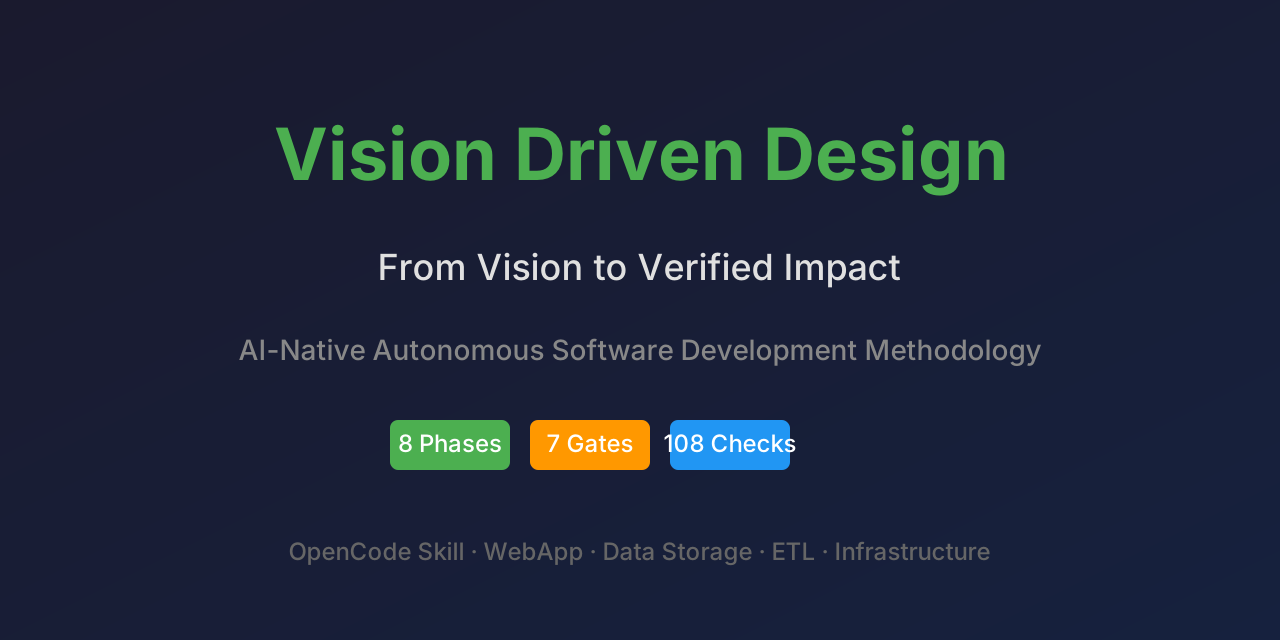 Vision Driven Design (VDD) MCP ServerSpec-driven development MCP server: 8 phases, bi-directional traceability, 7 quality gates.not reviewedGrowingA
- 15Open DesignDesign skills, design systems and artifact tools: landing pages, decks, prototypes, posters, more.not reviewedGrowingB
- 16
 Agentic Design SystemRender web and SwiftUI evidence, run explicit visual judgment, and trace ADS UI decisions.not reviewedGrowingA
- 17Figma To CodeLLM-optimized Figma MCP server.not reviewedGrowingB
- 18Standby DesignGenerate design systems: OKLCH colors, fluid type scales, spacing, shape, icon and motion tokens.not reviewedGrowingA
- 19Figma ExpressCompact Figma MCP with validated batch ops through a local plugin bridge.not reviewedGrowingA
- 20
 Figma MCPFigma MCP: list frames in a file and fetch one frame's JSON and image safely. 2 tools.not reviewedGrowingB
- 21
 Visily UI DesignUI design from prompts, screenshots, and URLs for AI coding agents and theme tokens.not reviewedGrowingA
- 22
 NHANES (design-correct survey analysis)Design-correct NHANES analysis: survey weights, pooled cycles, CIs and NCHS reliability flags.not reviewedGrowingA
- 23figma-vaultFigma designs pulled once into a local vault; AI agents read them offline with no rate limitsnot reviewedGrowingA
- 24Lanhu DesignRead Lanhu design specs and export fine-grained UI assets with platform-adjusted unitsnot reviewedGrowingA
- 25
 3DOptixOptical design, simulation and analysis with GPU-powered ray tracing. Import from Zemax and CAD.not reviewedGrowingA
- 26Curio — design style libraryDesign-style library for AI agents: find a style by use or mood, preview it, apply its spec.not reviewedGrowingA
- 27
 CSS CrèmeGive your agent a real design system: tokens, measured WCAG contrast, and rules to follow.not reviewedGrowingA
- 28
 DESIGN.md Linter & ExtractorLint and diff DESIGN.md files with the official Google linter, or write one from a web page.not reviewedGrowingB
- 29
 Design FeedsDesign Feeds MCP.not reviewedGrowingB
- 30FigmaFigma MCP Packnot reviewedGrowingB
- 31figma-mcpFigma to pixel-perfect code: deterministic HTML/React, then a render + pixel-diff verify loop.not reviewedGrowingC
- 32LensHH-LT Optical DesignDrive real optical lens design: ray tracing, optimization, MTF and aberration analysis.not reviewedNewB
- 33Figma URL ShapeParse a Figma file URL. Path discarded.not reviewedNewA
- 34
 CanvaCreate designs, manage assets, and automate design generation from external workflowsnot reviewedNewB
- 35FigmaExport files, access design data, manage projects, comments, and team assetsnot reviewedNewB
- 36Software DesignSOLID/OOP/DRY, the 23 GoF patterns, pattern scaffolding, and heuristic code-smell detection.not reviewedNewA
- 37Flato Design MCPConnect AI agents to Flato's editable canvas runtime through a hosted MCP server.not reviewedNewA
- 38Galaxy UI MCP ServerMCP server exposing Galaxy UI components — manifests, source code, and framework coveragenot reviewedNewA
- 39
 CodeCrafted DesignGuide user-led frontend design decisions from project brief through implementation review.not reviewedNewA
- 40Figma RsFigma/FigJam MCP server with read/write via plugin — no API token, no limits. 78 tools.not reviewedNewA
- 41Study Design Diagram Studio WebMCPRead and edit a live study design canvas through its predefined WebMCP tools.not reviewedNewB
- 42Figma CodeKit MCPFigma to pixel-perfect code: deterministic HTML/React, then a render + pixel-diff verify loop.not reviewedNewC
- 43Design Token BridgeTranslate design tokens between Tailwind, Figma, CSS, Material 3, and SwiftUInot reviewedNewA
- 44Figma ContextLLM-optimized Figma MCP server.not reviewedNewB
- 45Figma RustFigma MCP server in Rust: plugin bridge, no API token, no rate limits, 73 tools.not reviewedNewA
- 46UI Design to CodeDesign-to-code artifact pipeline for UI screenshots, Figma node data, and visual review.not reviewedNewB
- 47Design Pattern MCPMCP server that provides design-pattern selection expertise to AI coding agentsnot reviewedNewB
- 48Random DesignGenerate randomized English Markdown frontend design directions from curated catalogs.not reviewedNewB


Or try them without installing any
Add the gateway once and your agent runs search "figma", reads the grades, and calls the one it picks. Nothing to install per server, and an F-graded server cannot be reached through it.
claude mcp add --transport http mcp-market https://gw.mcp.market/mcp
Related
MCP servers for browser automationMCP servers for PDFs and documentsBest Media MCP serversAll topics